Analytics & Reports
Turn Educational Data into Meaningful Insights
Bring education-management information together through dashboards, MIS reports, comparisons and trend analysis — helping institutions and education leaders make more informed decisions.
CareerBook ERP™ · Enterprise Education Operating System (EEOS)
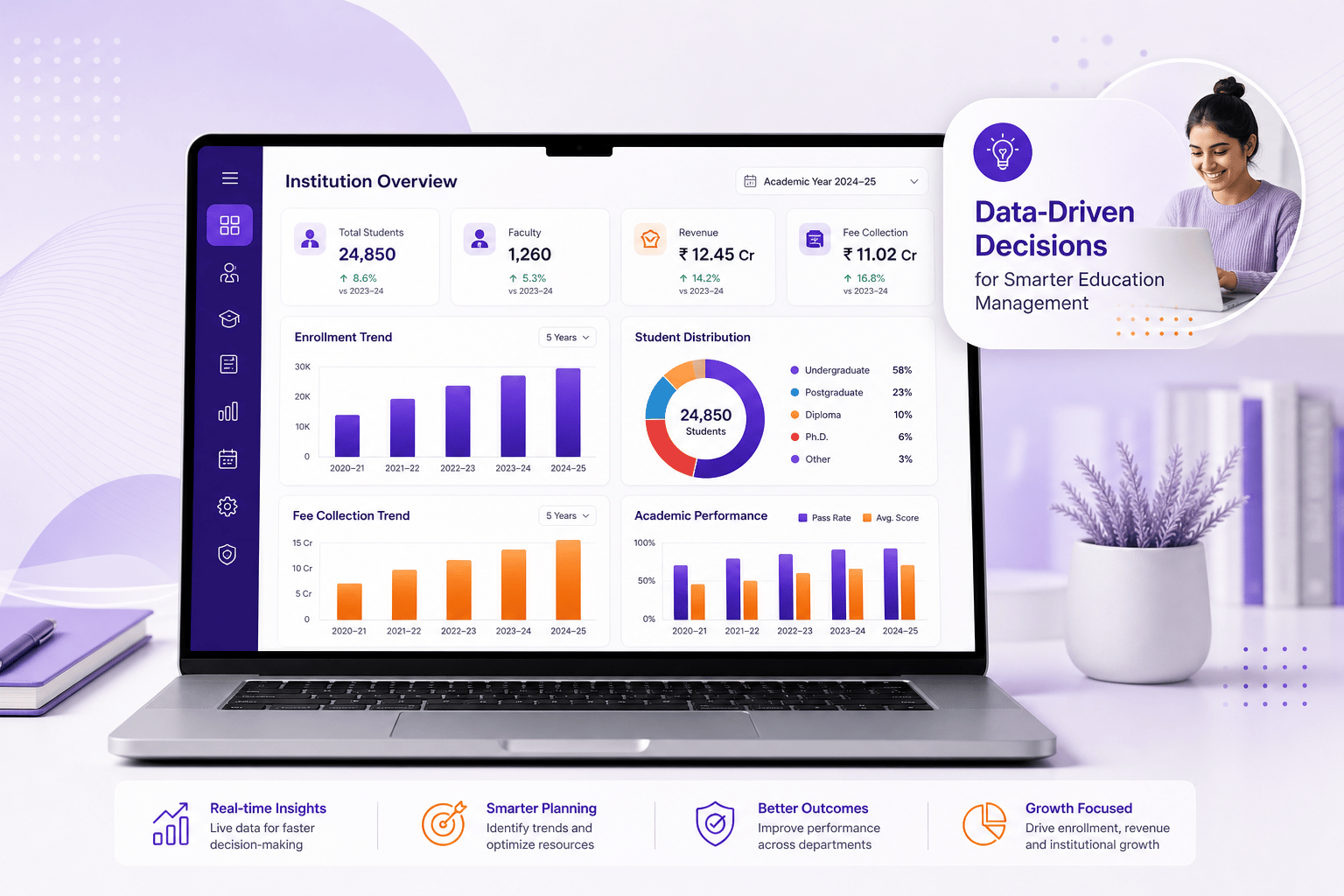
MIS Reports
Extensive library — exact count Confirm per deployment
Real-time Dashboards
Role-ready views from shared institutional data
AI-Powered Analytics
Predictive insights — Planned / Pilot until confirmed
Global Multi-country Data
Comparisons where hierarchy and permissions allow
MIS counts, AI claims and scale figures publish only when marketing-approved. Predictive features stay Planned / Pilot until confirmed.
Data for every stakeholder
Insights for Better Decisions
Role-ready views help leadership, academics, faculty, students and quality teams work from the same institutional data — within permissions.
Management & Trustees
Group and institution performance for governance reviews.
Principals & Directors
Campus health across academics, operations and collections.
Deans & Academic Leaders
Programme, faculty and outcome indicators for planning.
Department Heads
Department-scoped attendance, workload and delivery views.
Faculty Members
Class and course reporting aligned to teaching responsibilities.
Students & Parents
Authorised portal views such as attendance, fees and results.
Government & Accreditation
Evidence and statutory-oriented packs where configured — not endorsements.
Visualise what matters
Interactive Dashboards for Every Role
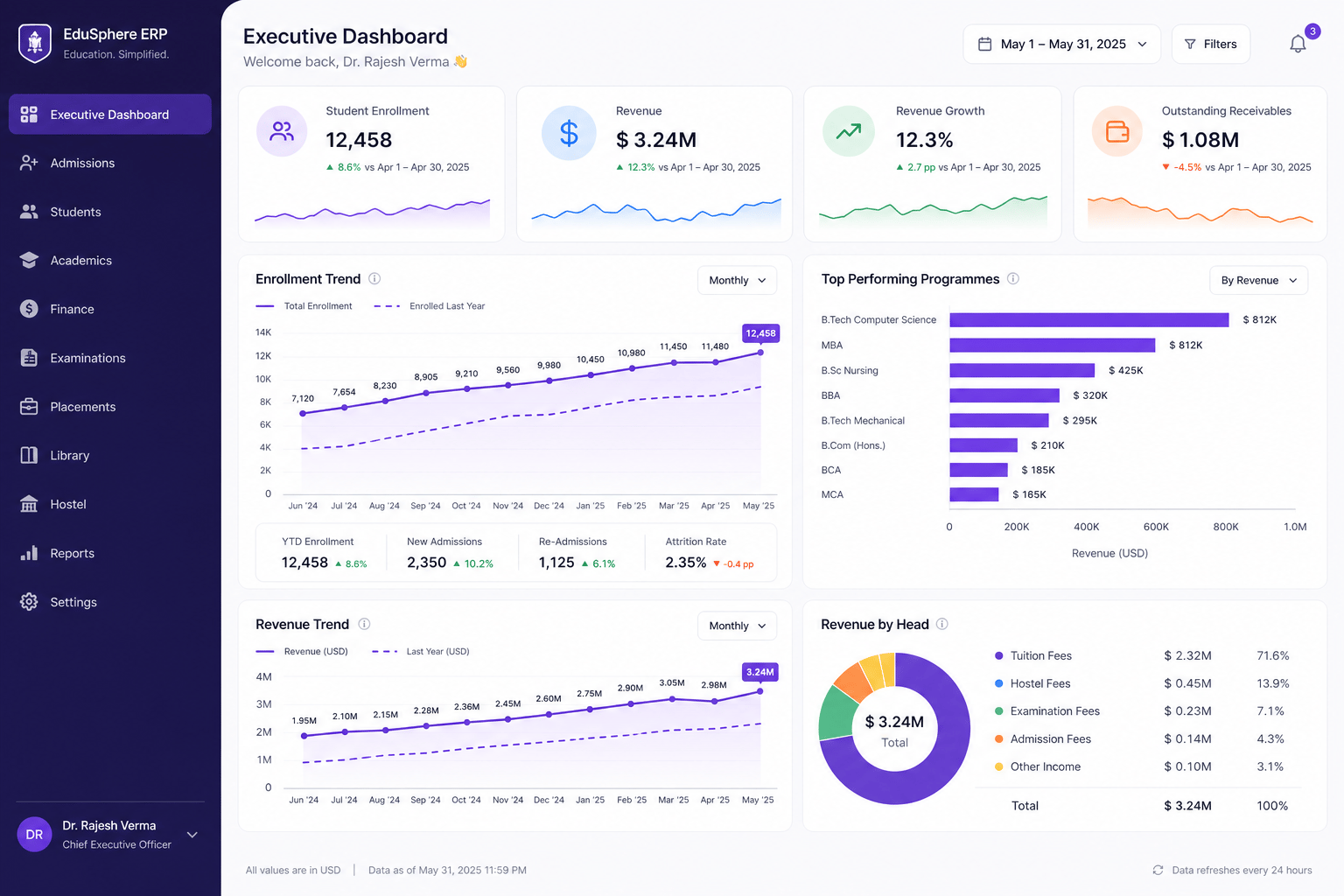
Switch between executive, academic, finance, student, HR, exam and operations views. Sample figures are illustrative only.
Executive Dashboard
Leadership KPIs spanning enrolment, finance and campus performance.
- Key performance indicators (KPIs)
- Multi-campus view where configured
- Year-on-year comparison
- Export and share where permitted
Figures are illustrative sample data — not live customer metrics. Capabilities depend on modules, configuration and permissions.
MIS report library
Comprehensive Report Categories
Families across admissions, academics, exams, finance, HR, operations and compliance. Exact titles and counts are confirmed in your catalogue — public “1000+” figures stay Confirm.
Admissions Reports
Pipeline and conversion visibility for enrolment teams.
- Enquiries & applications
- Conversion funnels
- Source-wise leads
- Admission trends by programme
Academic Reports
Programme, course and faculty delivery analysis.
- Programme & course analysis
- Faculty workload
- Timetable utilisation
Examination Reports
Registrations, results and exam-cycle performance.
- Result & pass/fail trends
- Subject-wise performance
- Revaluation / supplementary
Finance & Accounts Reports
Collections, dues, budgets and audit-oriented packs.
- Fee collection & dues
- Income & expenses
- Budgets & cost centres
Student Reports
Profiles, attendance, progression and related outcomes.
- Student profiles
- Attendance & behaviour
- Progression / alumni where supported
Human Resources Reports
Workforce, leave, payroll and development views.
- Staff details & attendance
- Leave & payroll
- Performance & training
Operations Reports
Campus services and facilities reporting.
- Transport & hostel
- Inventory & assets
- Library & facilities
Compliance & Accreditation
Quality and statutory reporting where frameworks are configured.
- Quality evidence packs
- Accreditation-oriented reports
- Statutory extracts where supported
Example report names are indicative. Exact titles and availability are confirmed against your CareerBook ERP™ configuration.
Advanced analytics & predictions
From Data to Future-Ready Decisions
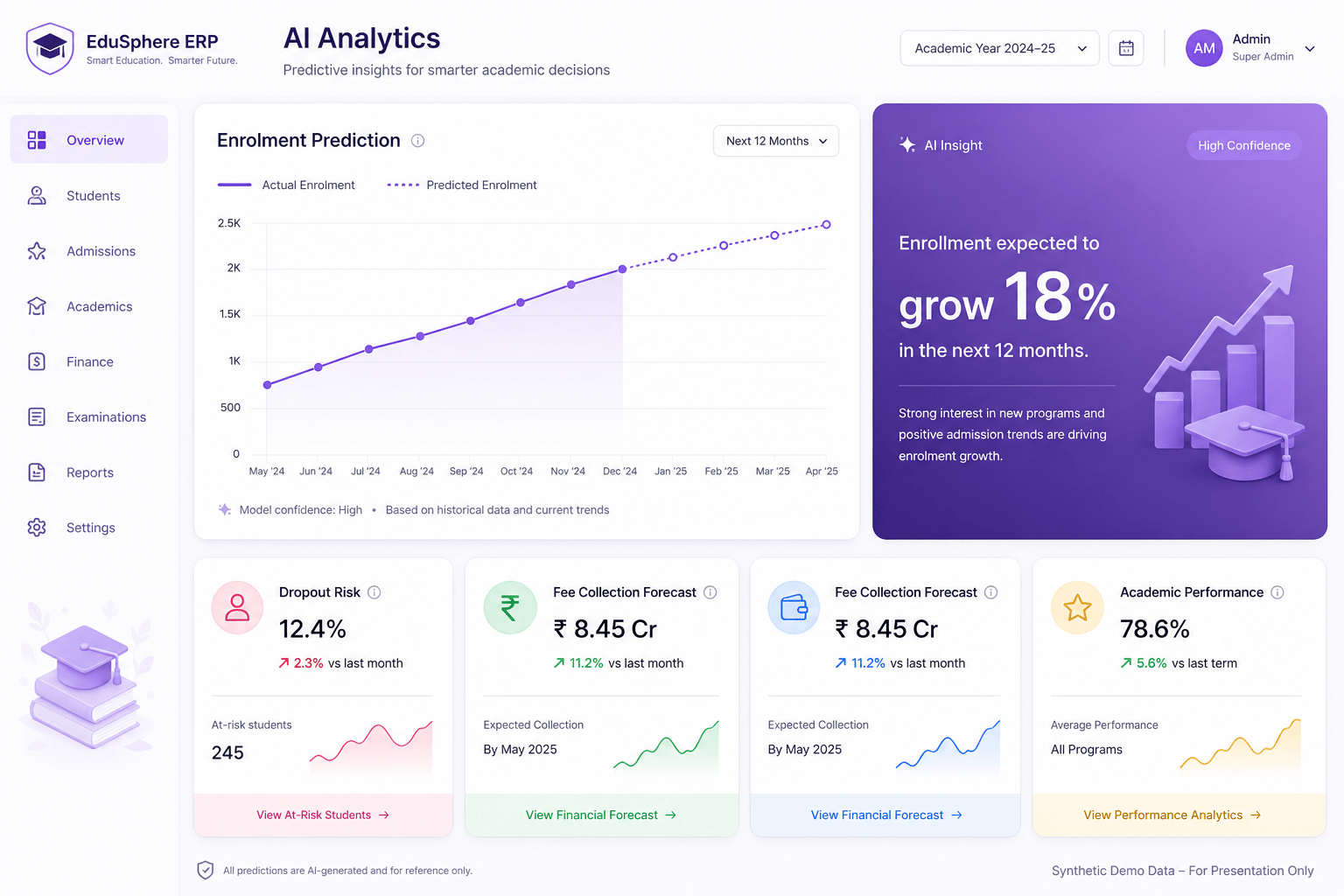
Predictive and AI-assisted insights build on the analytics foundation. Capabilities below are Planned or Pilot until confirmed — forecasts are estimates, not guarantees.
- Enrolment predictionPlannedExplore historical enrolment patterns to support planning. Forecast quality depends on data completeness and human review.
- Student performance trendsPlannedSurface academic trajectory signals so teams can intervene earlier — not automated high-stakes decisions.
- Fee collection forecastPlannedEstimate collection outlook from historical dues and payment patterns where finance data is complete.
- Dropout risk identificationPlannedHighlight students who may need support based on configurable risk signals, with access controls.
- Academic performance outlookPlannedProgramme and cohort outlooks as decision-support estimates — not guaranteed outcomes.
Global & multi-institution analytics
Compare. Analyse. Grow.
Authorised leaders can consolidate and compare campuses or groups within tenant boundaries. Scale metrics stay Confirm until marketing-approved.
- Country-wise comparison where data definitions align
- Institution and campus benchmarking for authorised leaders
- Multi-campus consolidation within tenant boundaries
- Export in supported formats where permissions allow
Institutions
Education groups — scale Confirm
Countries
Deployment footprint — Confirm
Stakeholders
Students & educators — Confirm
Report Templates
Catalogue size — Confirm

Illustrative map — country presence confirmed per programme.
Analytics FAQs
What is CareerBook ERP™ Analytics & Reports?
Analytics & Reports brings dashboards, MIS report families, comparisons and trend views together so authorised users can monitor institutional performance within CareerBook ERP™ — the Enterprise Education Operating System (EEOS).
How many MIS reports are available?
CareerBook ERP™ includes an extensive library of MIS report families across admissions, academics, examinations, finance, HR, operations and compliance. Exact report counts and titles depend on modules, localisation and your configuration — request a catalogue for a verified list. Public “1000+” figures stay Confirm until marketing-approved.
Who can see which reports?
Visibility is controlled by role-based permissions and tenant boundaries. Users only see reports and records they are authorised to access.
Are predictive analytics available today?
Dashboards and MIS reporting are the primary capabilities today. Predictive and AI-assisted insights are labelled Planned or Pilot on this page until confirmed for your deployment. Forecasts are decision-support estimates, not guarantees.
Can we compare campuses or institutions?
Authorised leaders can consolidate and compare data across campuses or institution groups configured in your hierarchy. CareerBook ERP™ does not automatically access other customers’ data or external national datasets.
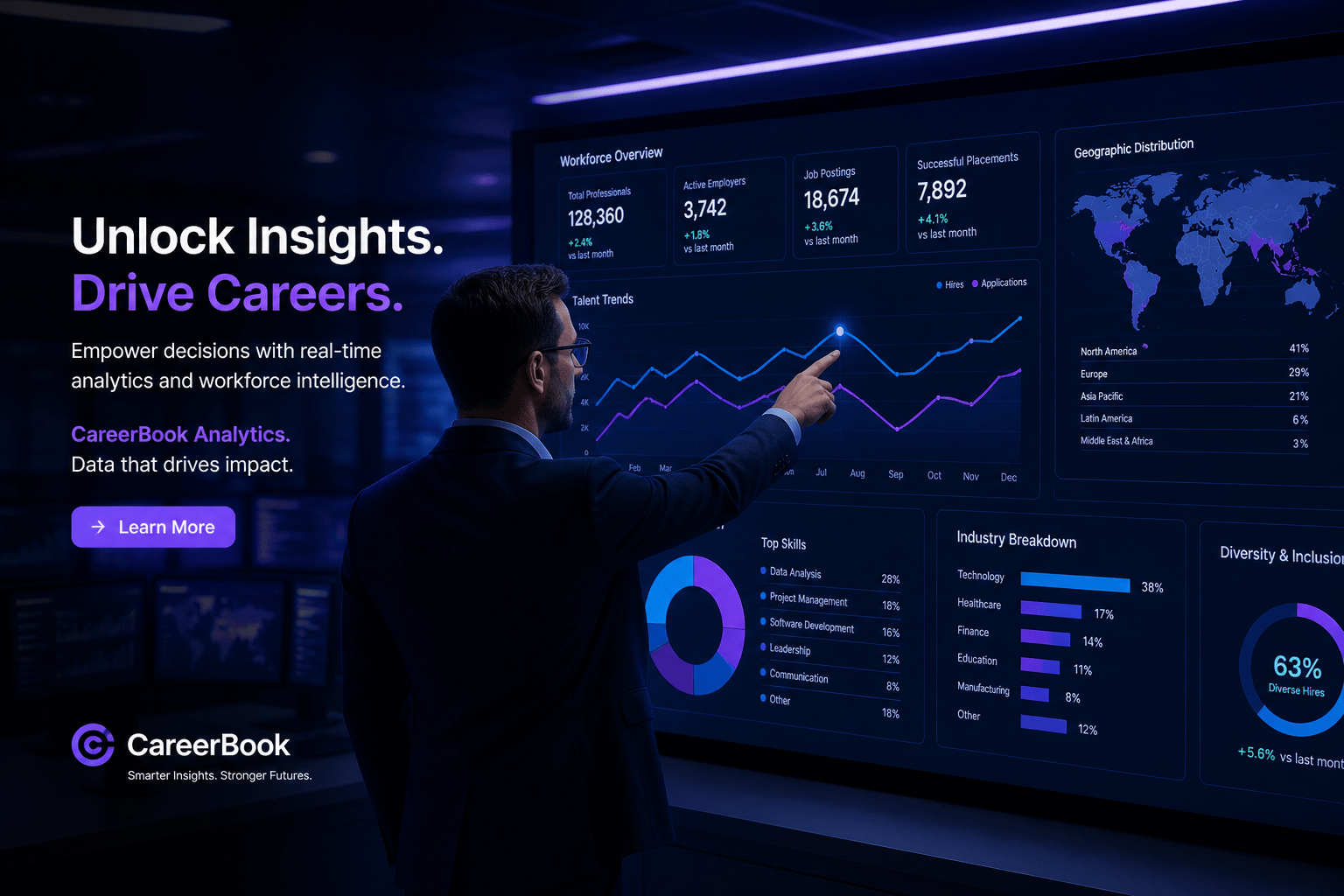
Unlock the Power of Your Data
See how CareerBook ERP™ Analytics & Reports can help your institution turn operational data into clearer decisions — with role-based access and honest status on AI predictions.