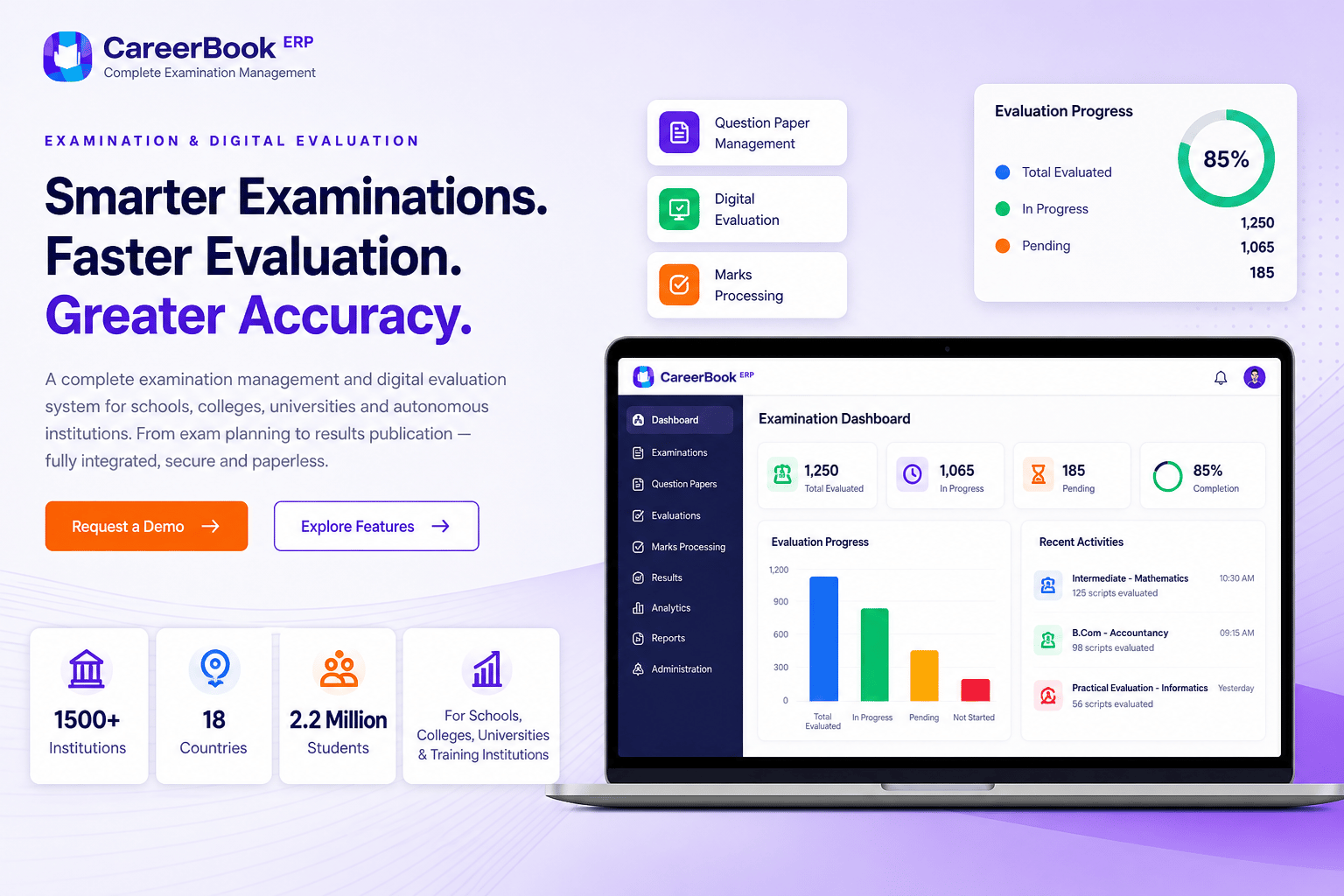
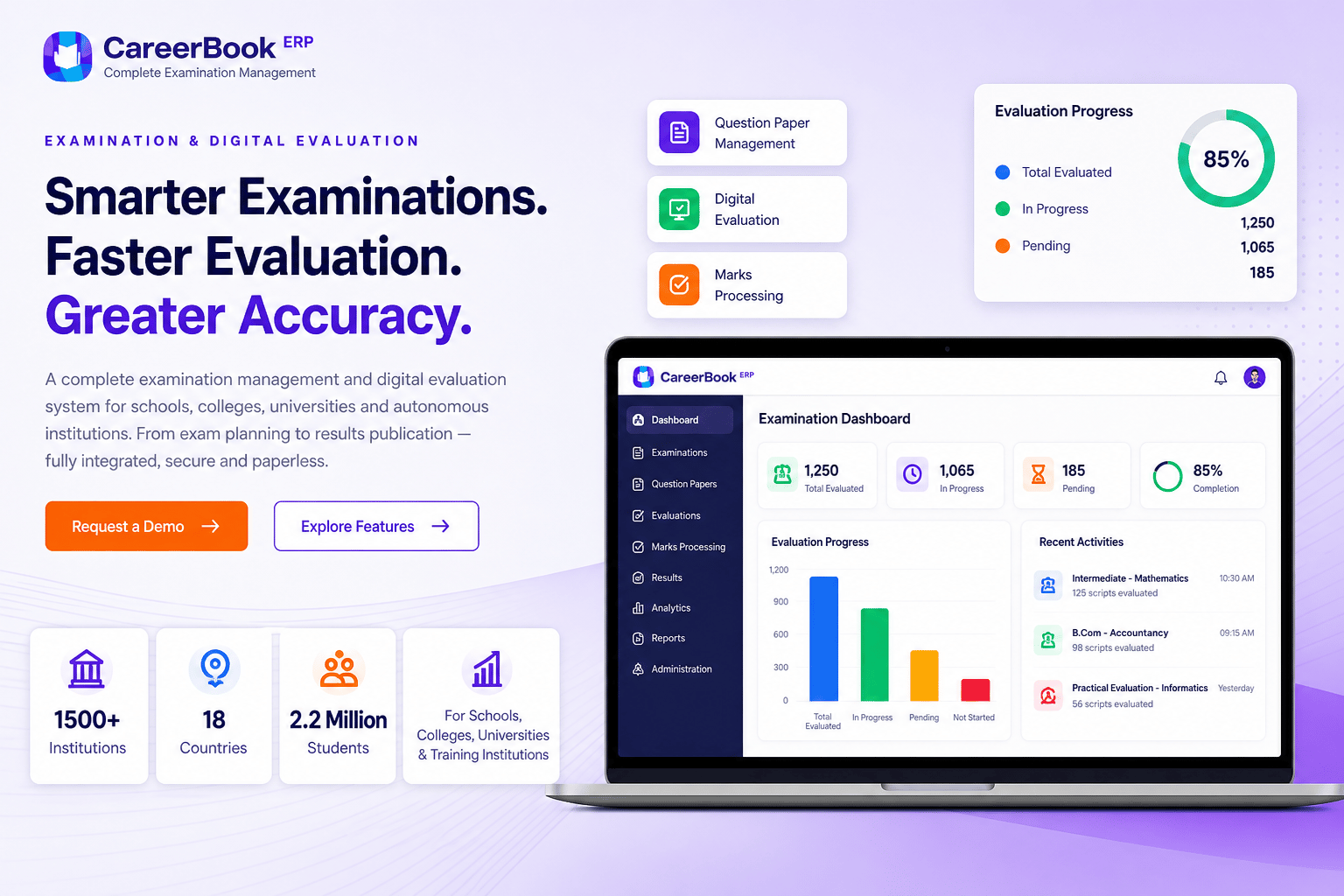
Examination & Digital Evaluation
Smarter Examinations. Faster Evaluation. Greater Accuracy.
Manage the examination lifecycle — from planning and question-paper preparation to exam conduct, digital evaluation, marks processing and result publication — with a connected platform for your institution.
CareerBook ERP™ · Enterprise Education Operating System (EEOS)
Institutions
Education groups — scale Confirm
Countries
Deployment footprint — Confirm
Stakeholders
Students & educators — Confirm
Institution types
Schools, colleges, universities & training
Scale metrics publish only when marketing-approved. Feature depth depends on configuration.
Examination capabilities
Everything You Need for Modern Examinations
Items marked Confirm need product validation before launch claims.
- Configurable
Exam Planning & Scheduling
Configure examination sessions, subjects, schedules and applicable exam types where supported.
- Confirm
Question Paper Management
Question banks, paper creation, versions, blueprints and approval — confirm exact tool depth with product.
- Confirm
Hall Tickets & Seating
Generate hall tickets and manage seating or invigilation arrangements where those workflows exist.
- Confirm
Digital Evaluation
Evaluator workflows for digital answer scripts where scanning/upload and marking tools are available.
- Configurable
Marks Processing
Calculate, validate, moderate and approve marks according to configured institutional rules.
- Configurable
Result Publication
Publish results and generate supported grade cards, mark lists or transcripts where enabled.
- Configurable
Analytics & Reports
Operational and academic examination reporting at authorised levels.
- Configurable
Multiple Education Systems
Configurable for schools, colleges, universities and training patterns — not board endorsement.
- Confirm
Revaluation & Supplementary
Manage applications and subsequent examination workflows where those processes are supported.
- Configurable
Academics & Portal Links
Connect schedules, hall tickets, results and notifications where portal/app integrations exist.
Examination lifecycle
A Seamless Examination Workflow
From planning to publication — stages available depend on your configuration and edition.
Step 1
Plan & Configure
Define sessions, subjects, schemes and exam types for the cycle.
Step 2
Create Question Papers
Prepare question papers with version and approval controls where supported.
Step 3
Conduct Examination
Timetables, hall tickets, seating and exam-day operations as configured.
Step 4
Digital Evaluation
Allocate scripts and evaluate with the tools available in your edition.
Step 5
Process & Approve
Validate, moderate and approve marks through configured stages.
Step 6
Publish Results
Release results and supported grade artefacts to authorised audiences.
Digital evaluation
Fast, Secure and Accurate Evaluation
Exact capabilities — script upload/scan, annotations, rubrics and automatic totals — must be confirmed with product before publication.
- Secure faculty login and role-based script access
- Question-wise mark entry with progress tracking
- Annotate and add comments where tools are confirmed
- Submitted marks proceed through review or approval stages
- Automatic mark totals only where calculation rules are confirmed
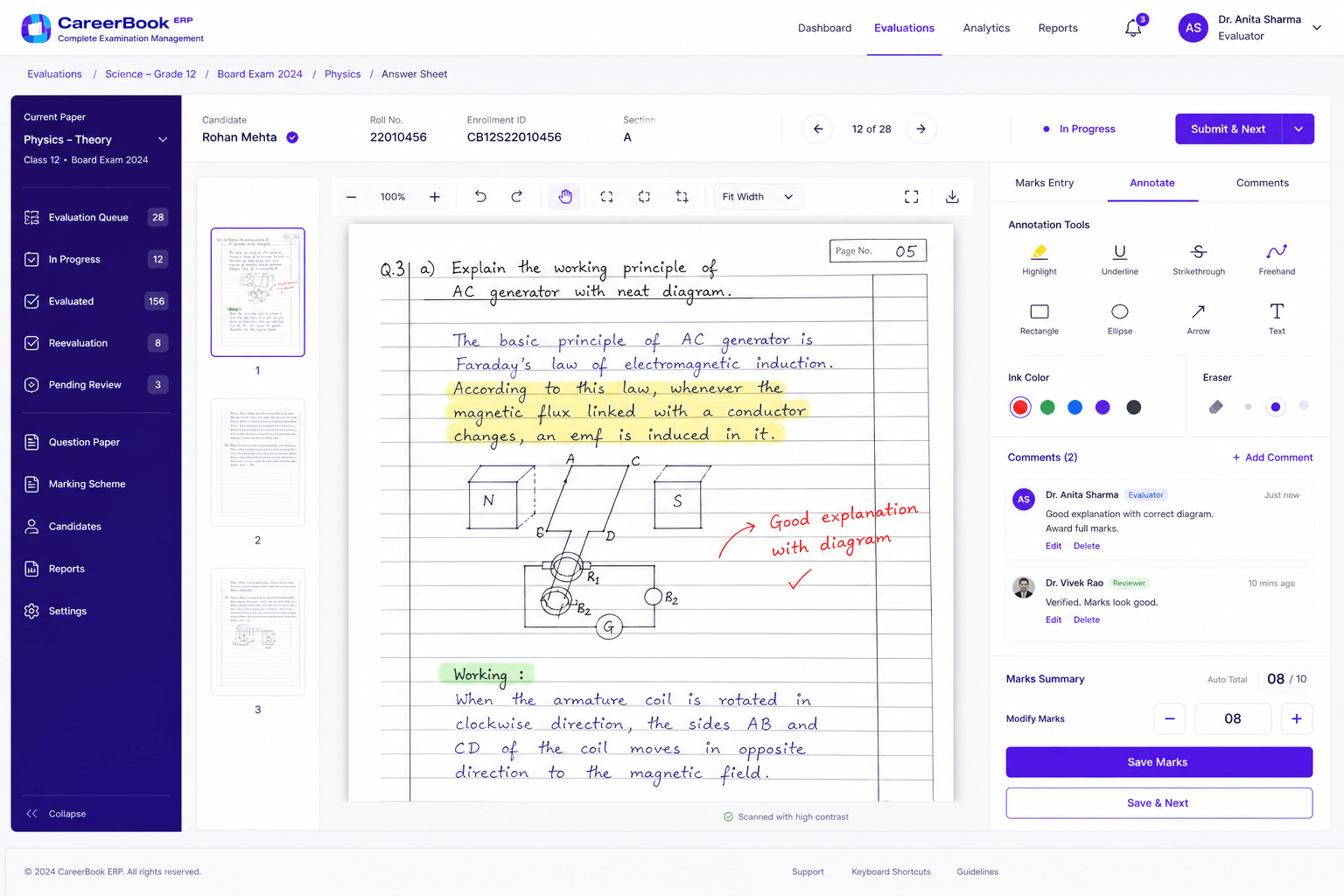
Multiple evaluation modes
Online
ConfirmEvaluators review digital scripts in a browser workspace where digital evaluation is live.
Offline
ConfirmOffline evaluation with later synchronisation — confirm availability before advertising.
Rubric-based
ConfirmStructured rubrics or marking schemes only where the product supports them.
Subjective / Objective
ConfirmQuestion-wise mark entry and objective item processing where configured.
Collaboration
Role-based Access for Better Collaboration
Stakeholders see only what their roles and institution configuration allow.
Students
Self-service examination information where portal or app features are live.
- Schedules and hall tickets if published
- Results and grade artefacts when released
- Revaluation applications where enabled
Faculty / Evaluators
Work only on authorised scripts with structured mark entry.
- Assigned script queues
- Question-wise marking where digital evaluation is enabled
- Submit for review or approval as configured
Exam Cell / COE
Operational control across the examination lifecycle for authorised officers.
- Session and paper readiness views
- Script allocation and evaluator progress
- Marks validation and controlled result release
Management / HoD
Consolidated examination and performance visibility for authorised leaders.
- Progress and bottleneck signals
- Subject or programme performance views
- Data-informed academic decisions
Parents
Examination updates via supported notification channels where configured.
- Schedule and result notifications if triggers exist
- Grade visibility subject to institution policy
- Confirm exact channels before launch claims
Institution fit
Built for Multiple Education Systems
- SchoolsInternal assessments and board-aligned cycles with institution-configured schemes — not board endorsement.
- CollegesSemester and programme examinations with exam-cell oversight where deployed.
- UniversitiesMulti-faculty and large-scale examination operations with COE-oriented controls.
- Autonomous institutionsInstitution-defined grading, credits and paper formats where configuration supports them.
- Training institutionsShort- and long-term course assessments with configurable exam windows.
Mobile access
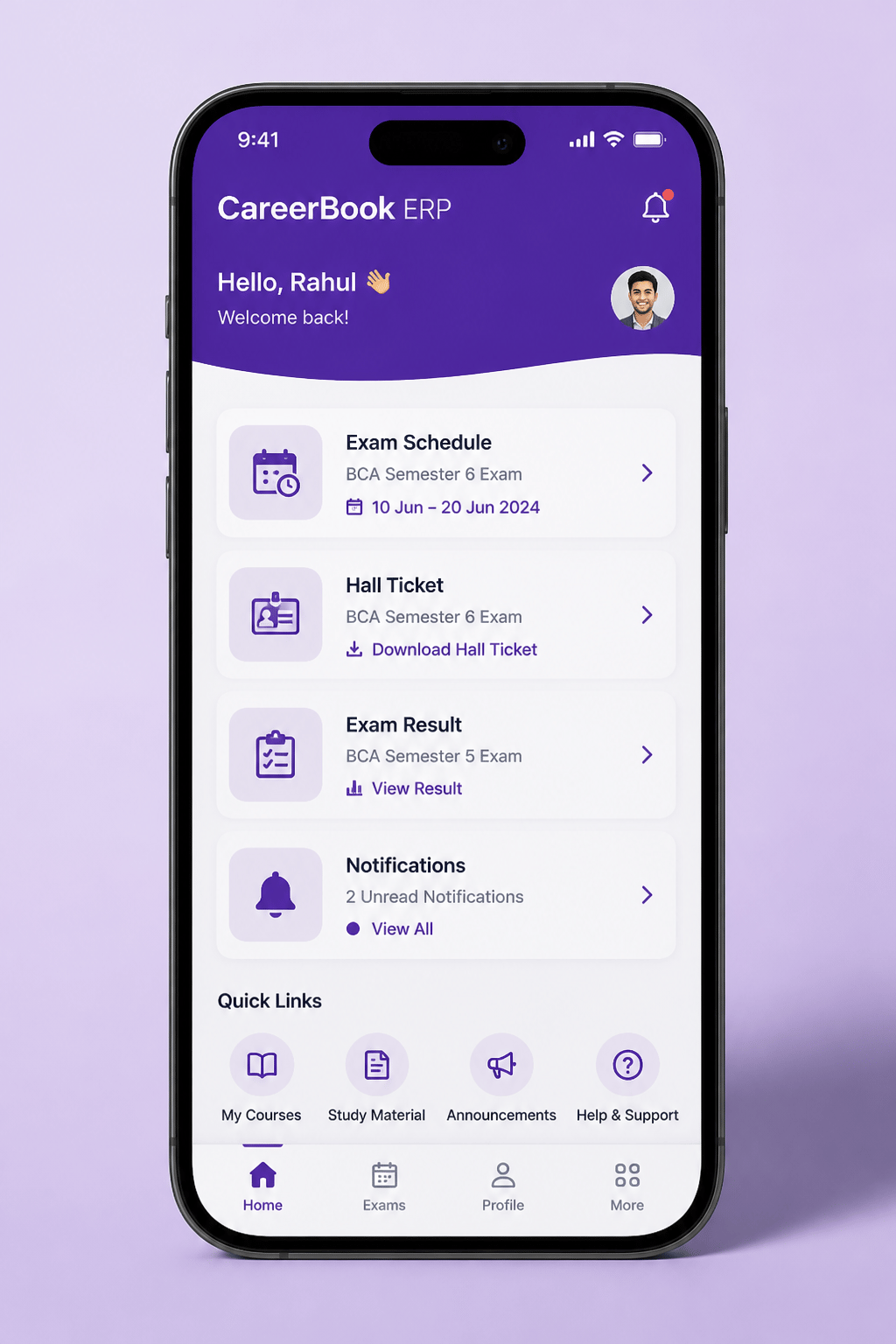
Schedules, hall tickets and results on mobile only where published apps expose those features. Store badges omitted until URLs are approved.
Reports
Examination Analytics for Authorised Roles
Subject-wise results
Performance views by subject where result data is authorised.
Programme performance
Course or programme aggregates for academic review.
Pass / fail analysis
Outcome summaries according to configured grade schemes.
Evaluator progress
Allocation and completion signals for the examination cell.
Marks processing
Validation and moderation status for in-flight cycles.
Revaluation tracking
Application and outcome tracking where that workflow exists.
Controls
Security and Result-Release Controls
Role-based access
Users see examination artefacts and scripts only within their authorised roles.
Controlled allocation
Script assignment to evaluators is governed by examination-cell workflows where implemented.
Activity logging
Relevant evaluation and approval actions can be logged — confirm retention with your deployment.
Result-release controls
Publication follows configured approval stages — avoid absolute “tamper-proof” claims.
Examination FAQs
Does CareerBook ERP™ support on-screen digital evaluation?
Digital evaluation is a key differentiator where enabled for your deployment. Exact capabilities — script upload/scan, annotations, rubrics, online/offline modes and automatic totals — must be confirmed with product before publication.
Can we run school, college and university exam patterns?
Examination structures, grading, credits, paper formats and supplementary rules vary by institution. CareerBook ERP™ can be configured where those patterns are supported — board or accreditation names are reporting contexts, not endorsements.
Who controls result publication?
Authorised examination officers typically manage validation, moderation and release according to configured approval stages. Exact roles and controls depend on your implementation.
Are hall tickets and results available on mobile?
Student-facing schedules, hall tickets, results and notifications appear only where portal or mobile features are live for those triggers. Do not assume every exam-admin task is available in the mobile app.
Is the system error-free or tamper-proof?
We describe role-based access, allocation controls, logging and approval stages where confirmed — not absolute guarantees. Always use synthetic data in public screenshots.
Run Examinations with Greater Control and Clarity.
See how CareerBook ERP™ supports planning, digital evaluation, marks processing and result publication for your institution.