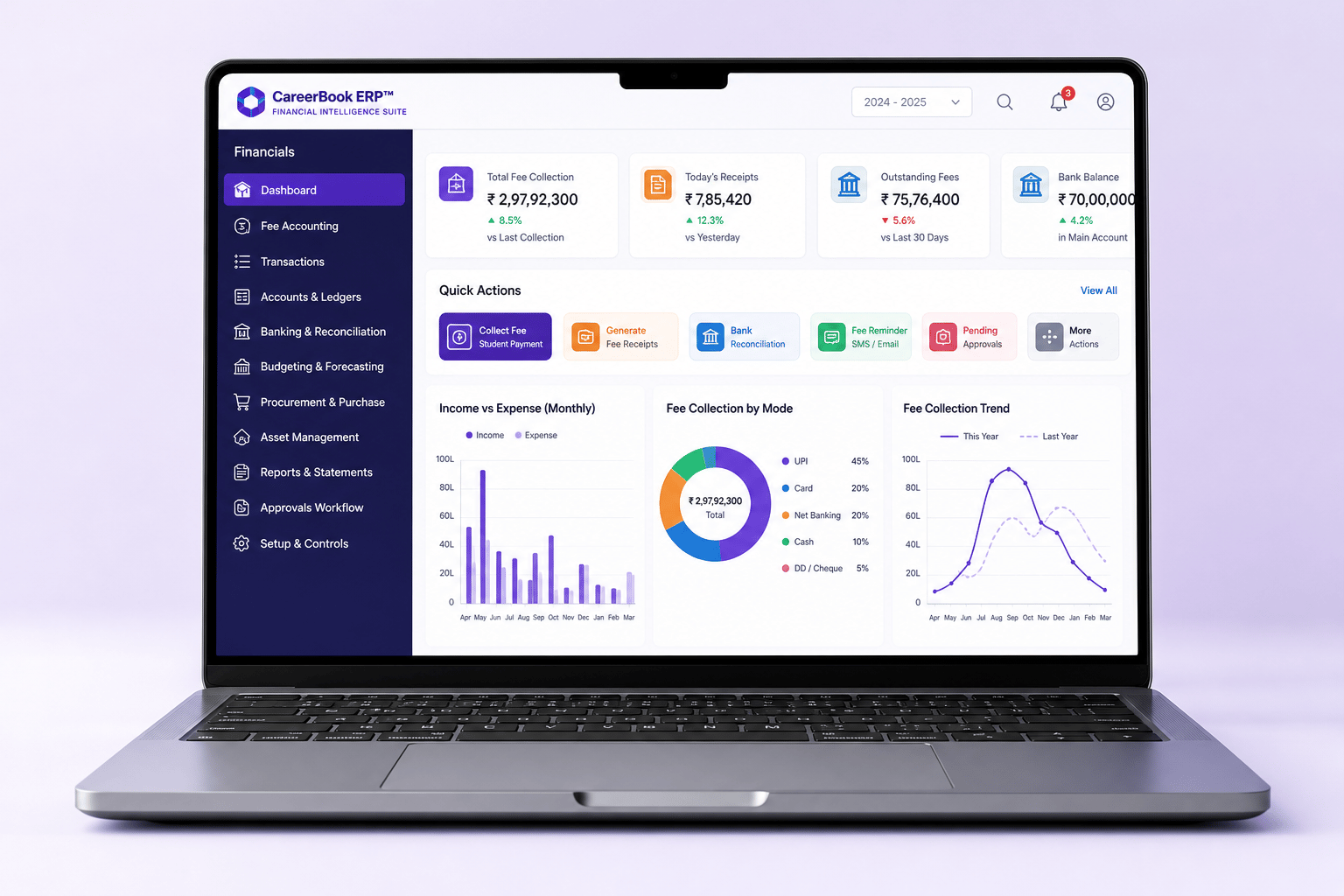
Budgeting & spend analysis
Plan budgets for an institution, group or department. Visualise approved budget versus actual spend, variance and period filters where available.
Financial Intelligence Suite
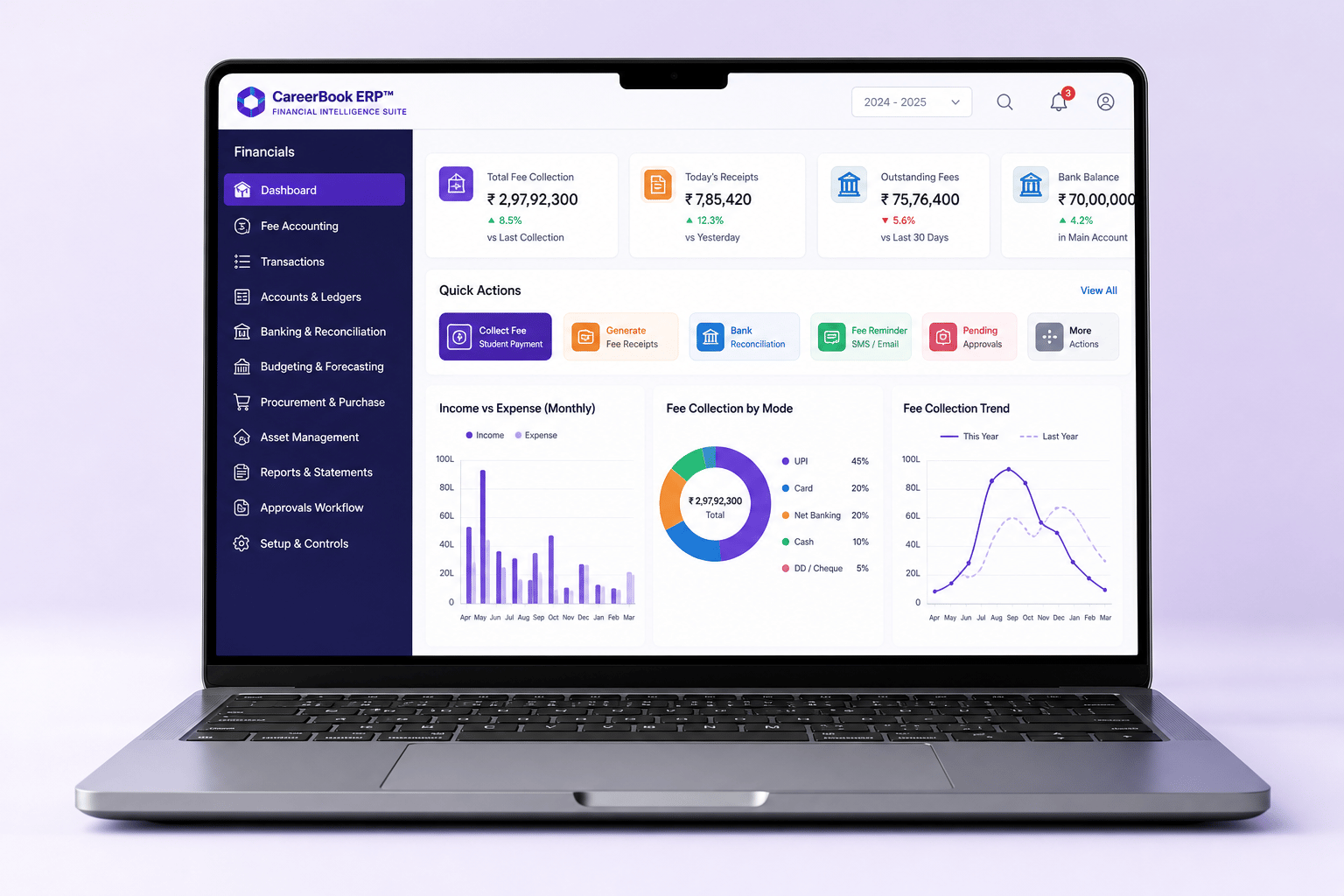
Manage fee collection, accounting, budgeting, procurement, assets, expenses and financial reporting in one integrated platform — with visibility across individual institutions and multi-campus groups.
CareerBook ERP™ · Enterprise Education Operating System (EEOS)
Institutions
Education groups — scale Confirm
Countries
Deployment footprint — Confirm
Stakeholders
Students, educators & admins — Confirm
Finance modules
Fees, accounts, budget & more
Scale metrics publish only when marketing-approved. Gateway logos and counts stay Confirm until verified.
Built for end-to-end financial control
From fee collection to reporting, budgeting, procurement, assets and compliance — capability depth depends on what is licensed and confirmed for your deployment.
Online/offline collection, allocation, receipts, dues, instalments, concessions and scholarships where supported.
Ledgers, journals, bank reconciliation, receivables/payables and core statements where supported.
Budgets for institution, group or department with actual-versus-budget reporting where available.
Centralised purchasing, vendors and hierarchy-based approvals where procurement is deployed.
Categorised expenses and department/project spend views where supported.
Asset register, location, maintenance and depreciation posting to accounts where implemented.
Salary and HR-related expenses connected to finance according to the implemented posting workflow.
Consolidated and comparative views across institutions where hierarchy and accounting structures align.
List only jurisdiction-specific outputs confirmed for your deployment — GST/VAT and similar need validation.
Daily transactions, management reports and leadership packs for authorised finance users.
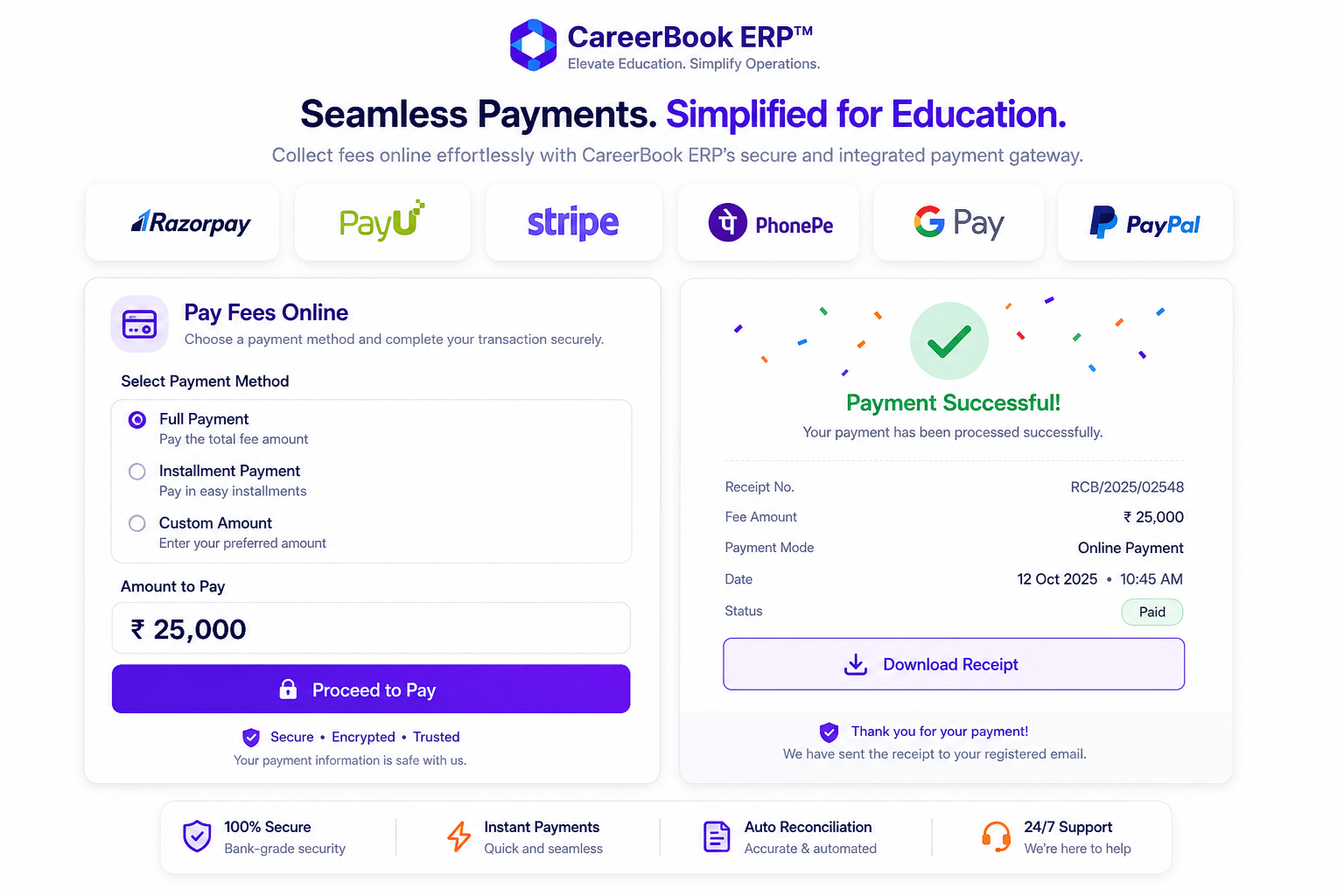
Fee collection made easy
Online and offline collections, receipts, outstanding dues and payment-mode reporting feed a connected finance workflow — subject to gateway and institution configuration.
Integrated accounting
Validate accounting terminology, reporting rules and statement availability with finance/product before treating any report as standard.
Step 1
Fees, expenses, journals and other postings as configured.
Step 2
Entries flow into ledgers according to the chart of accounts.
Step 3
Bank and gateway settlements matched where reconciliation tools exist.
Step 4
Trial balance, income & expenditure, balance sheet — confirm availability.
Distinguish forecasts from posted actuals. Keep only procurement and depreciation stages that product confirms.
Plan budgets for an institution, group or department. Visualise approved budget versus actual spend, variance and period filters where available.
Powerful financial reports
Report tiles stay Confirm until finance/product validates availability and terminology for your edition.
Income & Expenditure
ConfirmBalance Sheet
ConfirmTrial Balance
ConfirmReceivables & Payables
ConfirmFee Collection Reports
ConfigurableBudget vs Actual
ConfirmDepartment-wise Reports
ConfirmInstitution-wise Reports
ConfigurableConsolidated Group Reports
ConfirmCustom Reports
ConfigurableHead-office visibility with institution-wise and consolidated reporting where hierarchy and permissions support it.
Accounts · Fees · Budget · Procurement · Assets · HR expenses
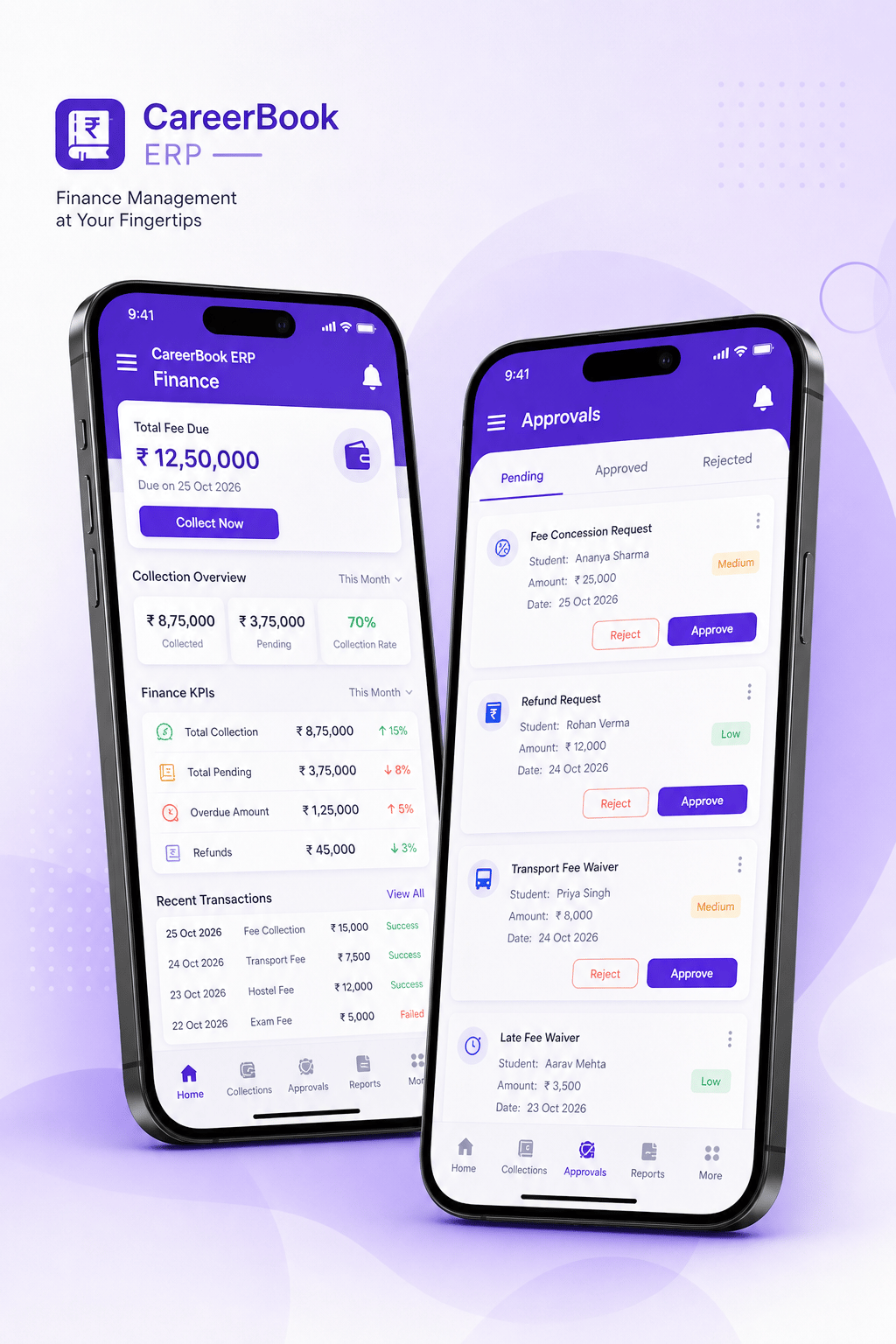
Multi-Campus GovernanceFee payments and finance views on mobile only where published apps expose them. Store badges omitted until URLs are approved.
Controls
Role-based permissions
Finance actions follow institutional roles — not universal access.
Approval controls
Thresholds and approvers for purchases, concessions and related workflows where configured.
Transaction history
Edits, reversals, refunds and postings leave an auditable trail to the extent implemented.
No absolute claims
Avoid “fraud-proof” or “100% secure” language — describe actual controls only.
Gateway availability depends on provider support, commercial agreements, credentials, technical compatibility and deployment configuration. Named logos appear only after product and marketing approve an active integration — we do not claim every gateway can be connected without qualification.
Core financial statements should be listed only after finance/product confirms report availability, accounting rules and terminology for your edition. Treat report tiles on this page as Confirm until validated.
Consolidated and comparative views depend on hierarchy configuration, permissions and consistent accounting structures. Drill-down is available only for authorised users where supported.
Jurisdiction-specific statutory outputs must be confirmed for each country and deployment. Do not publish blanket GST/VAT claims without current product evidence.
Fee payments and financial dashboards on mobile appear only where the published apps expose those features. Confirm store links and screens before displaying badges.
See how CareerBook ERP™ connects fees, accounts, budgets, procurement and reporting for education finance teams.